FOR SMALL SHOPS WITH GOOD TASTE
Framebatch.
One photo.
A whole collection.
Consistent product-photo layouts. Your photos, your words, ready to export.
Make your first layoutNo account. Your photos stay on your device.
slow mornings.
01 / THE WORKBENCH
Your photo. Your shop.
Start with our sample, or choose a photo.
Transparent PNGs work especially well.
Free editor · single PNG export
The safe-area guide is never exported.
Framebatch arranges your existing image. It does not remove backgrounds, generate scenes, or retouch the product. Check each export before publishing.
LESS SETUP, MORE CONSISTENCY
A little system
for your whole shop.
- 01
Bring a photo you already love.
A clean product cutout or a regular photo. No uploading to an image-processing service.
- 02
Make the layout yours.
Set your shop name, product detail, color story, and framing. See the result as you edit.
- 03
Export. Then get back to selling.
Download a PNG from the free editor. The offline edition adds batch ZIPs and reusable recipes.
02 / THE OFFLINE EDITION
Keep a tool.
Skip a subscription.
A downloadable copy of Framebatch that opens in your browser, with batch export and saved layout recipes.
Try the free editor first ↗One-time license · no recurring billing
- Self-contained HTML file · no install
- Up to 12 photos in one batch
- Three layouts and four color stories
- Three export sizes, delivered as a ZIP
- Save and reload your layout settings
- Use your own exported designs commercially
The app is ready to try. Paid checkout is disabled pending payment activation; no payment is taken today. See our pricing and purchase terms.
For one buyer or business. Your exports are yours; redistribution of the app is not included. Current release only; future updates are not promised.
A FEW PRACTICAL THINGS
Before you start.
Does my photo leave my device?
The editor reads image files into this browser and draws them locally. It does not send your photos or typed shop details to an image server. The hosting provider may process ordinary page-access logs.
Is this an AI image generator?
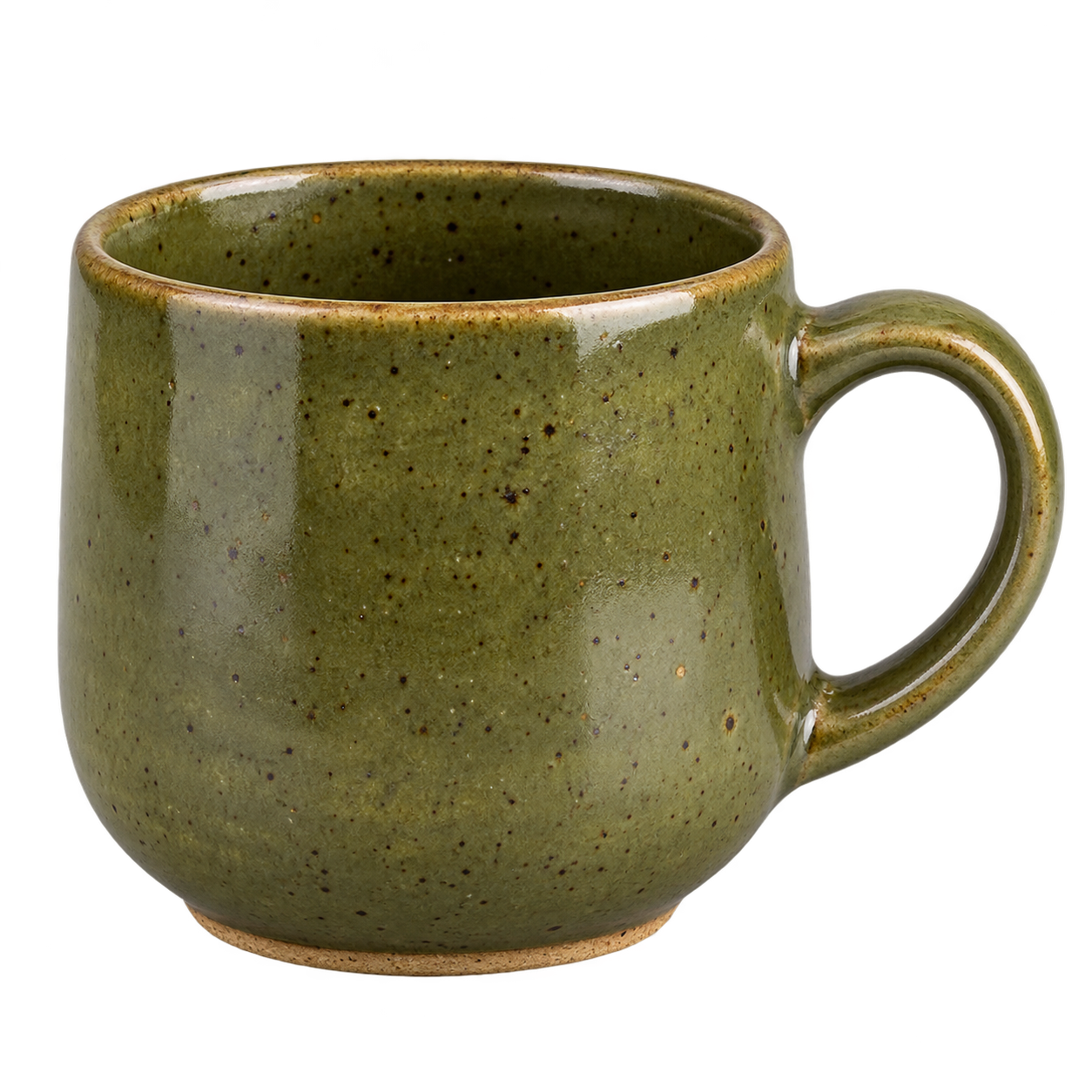
No. This tool positions your image, adds text, and creates a layout. Our sample cup is AI-generated and is labeled as a demo. Your uploaded product is not regenerated.
Will this work on a phone?
The free editor is responsive. Batch work is designed for a current desktop browser, where handling multiple large images and ZIP downloads is easier.
What does “offline” mean?
The paid edition is a single HTML file with its code and sample image included. Open it in a current Chrome, Edge, Firefox, or Safari browser. No account or API key is needed. The free website still needs a connection to load.
How do I get the offline edition?
The offline app is packaged as a ZIP containing the HTML editor, instructions and license. Paid checkout opens after payment activation and delivery verification. Try the free editor now and review the pricing, terms and refund policy before buying.
Will the layouts meet every marketplace rule?
No universal approval is promised. These are general layout sizes, not a marketplace certification. Check the current requirements for your sales channel, especially restrictions on text, backgrounds, and main listing images.